Problem
Too many publishing tabs
Context switching across editors, dashboards, and CMS UIs slows you down.

Postx keeps writing and scheduling in one focused CLI flow. Live publishing is available for X (Twitter).
Install from npm
npm i -g @thevandieg/postx Open source. Zero lock-in. Built for terminal-first publishing workflows.
At a glance
Short, sharp captures of the real CLI flow—drafting, checks, and publishing to X. Thumbnails and structure are production-ready; drop in MP4s when your recordings land.
00:18
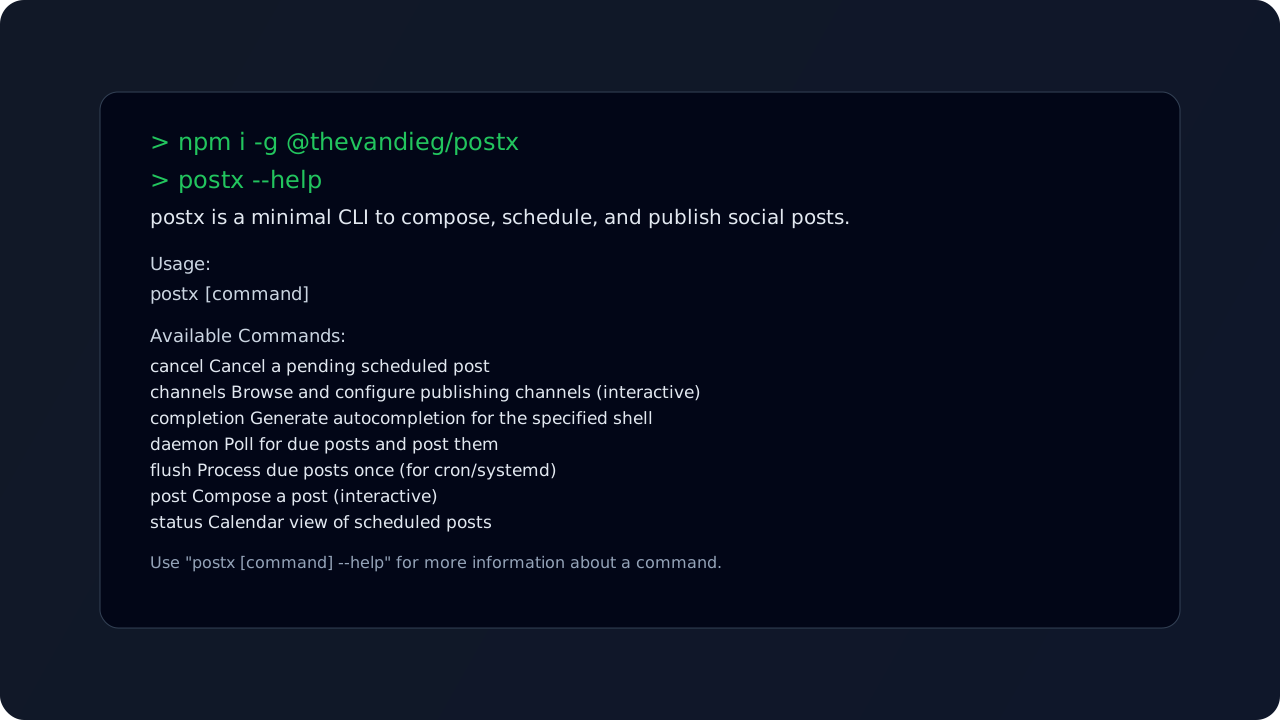
Quick setup guide showing the install flow so you can get postx running in your terminal in minutes.
Install flow. Install from npm, confirm the CLI is available, and start your first terminal workflow.
00:22
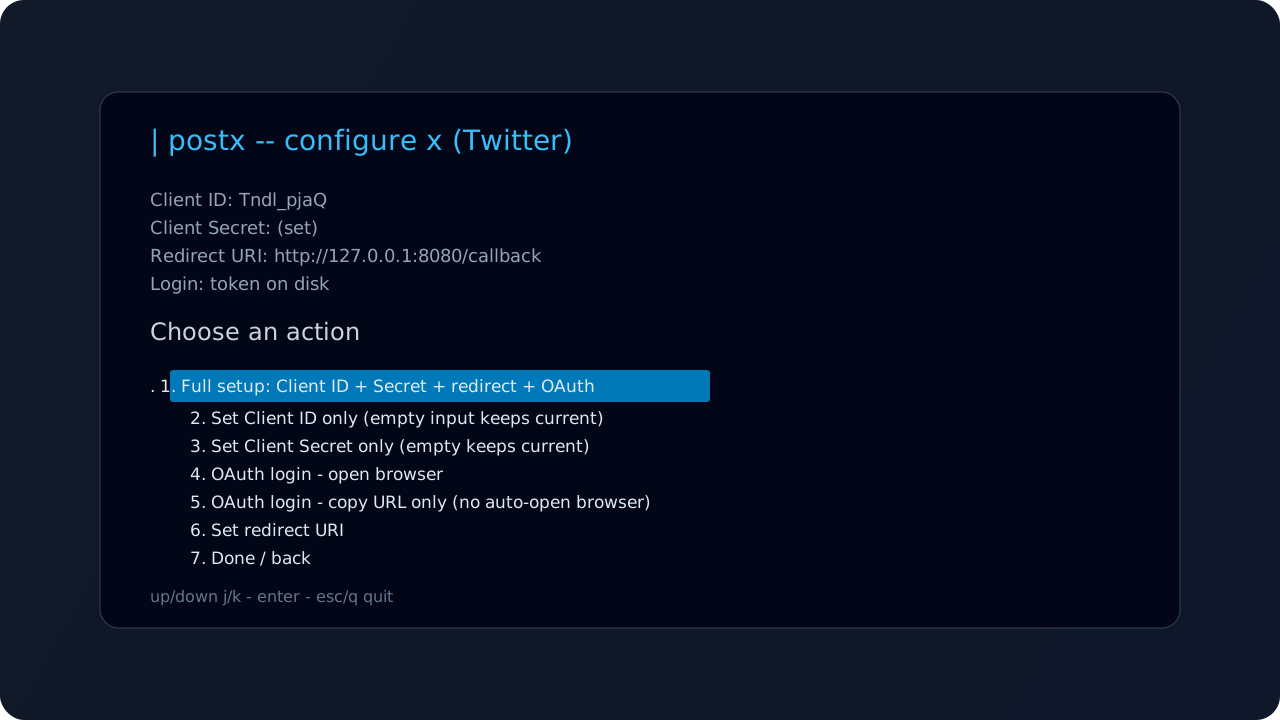
Configure and verify your publishing channels to ensure posts are connected to the right destination.
Channel setup. Connect your channels and start publishing content to your social accounts.
00:15
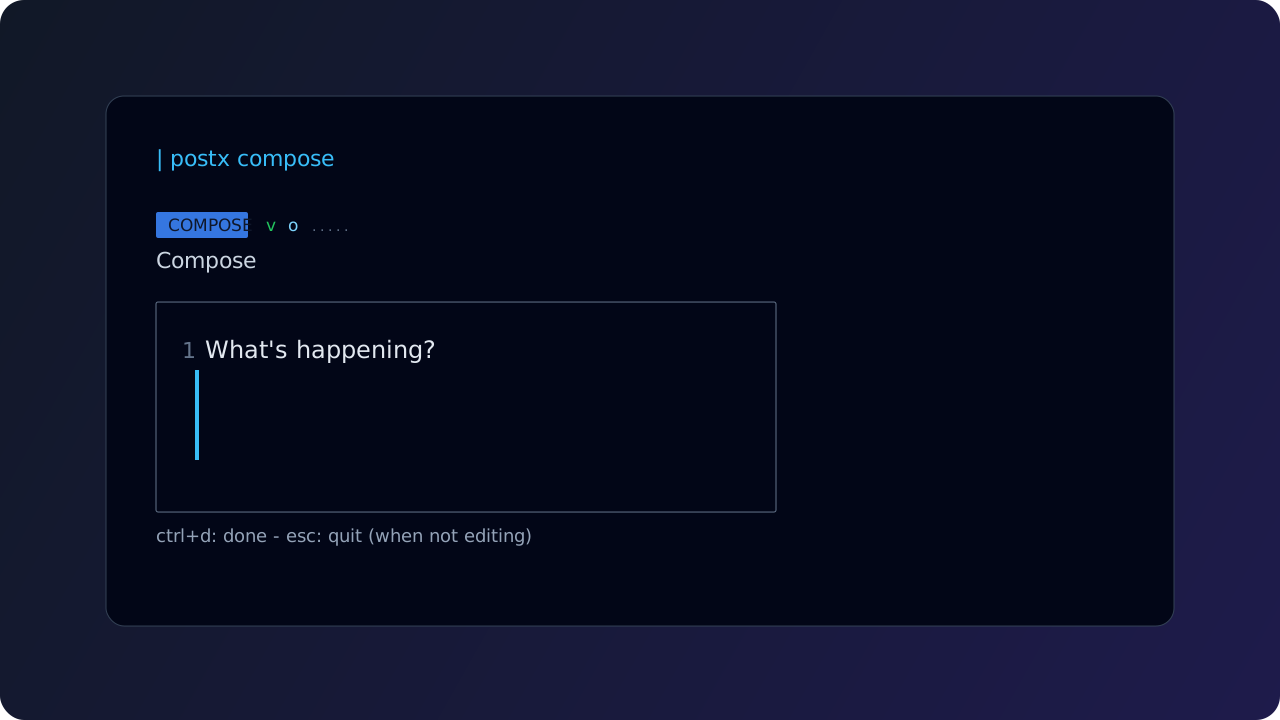
See a realistic preview flow before publishing, including command output checks and confirmation steps.
Preview check. Review a pre-publish preview run to validate content, output, and final confirmation steps.
These features focus on what you can use today in the real CLI flow—from composing and scheduling to automating publish content.
Use postx post to draft content in a guided terminal flow and decide whether to publish now or schedule.
Check what is queued with postx status so you can review upcoming posts before they go live.
Process due posts in CI or local automation using postx flush for one-shot runs or postx daemon for continuous workers.
Connect and authorize X through postx channels configure x to enable live publishing from the CLI.
Stay inside your existing shell workflow for drafting, scheduling, and publishing without switching to a dashboard.
Start with the quick install guide, then set up simple automations so your posts publish consistently.
Track new features, improvements, and fixes as postx evolves.
New update channel
Release notes are now the source of truth for what ships, what improved, and what changed in each version.
View release notes
Install the CLI, connect the channels you use, run postx post, then publish now or hand off to the scheduler.
Install with npm, connect the channels you publish to, then follow the
quick start in the docs.
Quick clarity on licensing, live channels, automation, and where to read more.
postx flush for one-shot processing
or postx daemon for continuous polling.